

Open alpha
Play the alpha
The alpha is open to everyone. No invite or password needed: download the launcher and play.
Download the launcher
Open the download page and save the launcher into a new folder such as
C:\Games\Astonia Evolution.Let it install
Run the launcher. The first time, it downloads the game next to itself. After that it only fetches what changed, so always start the game from the launcher.
Make a character and play
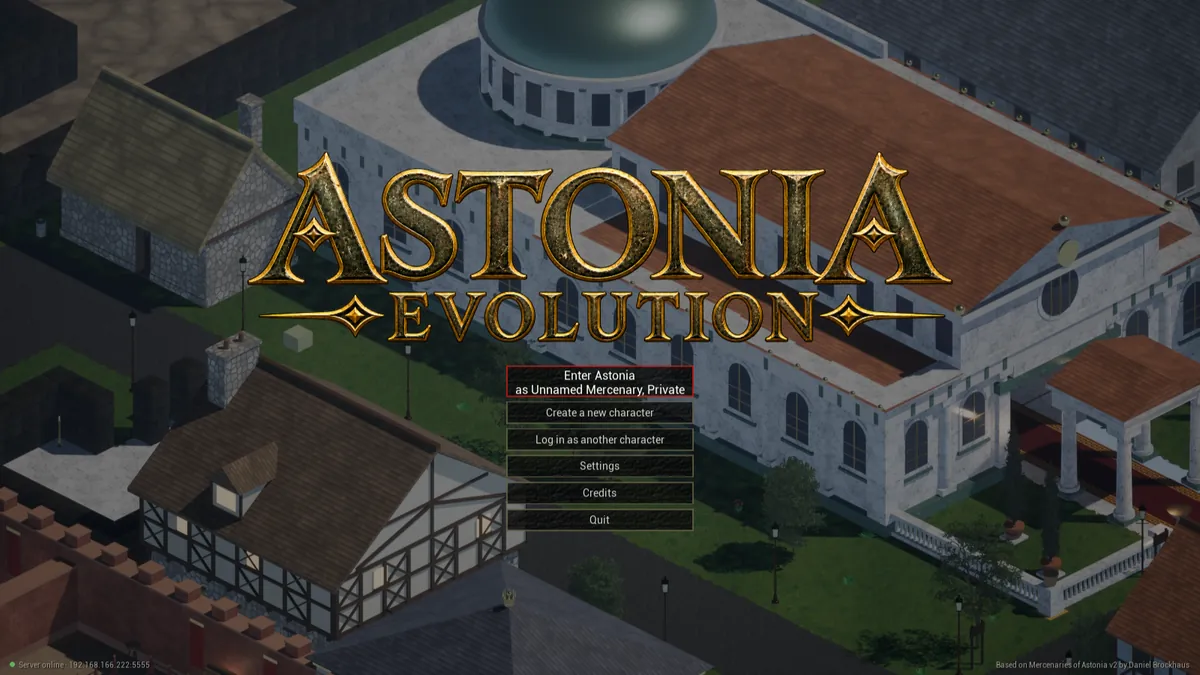
Create a Templar, Mercenary or Harakim on the title screen and step out into Aston. The map of Aston shows where the shops, the bank and the first quests are.
What you need
- Windows 10 or 11, 64-bit.
- Recommended: 6 GB of video memory. Smaller cards can try the Low preset.
- About 5 GB of free disk space.
Found a bug?
Press B in the game (or type /bug and a note). The report saves with a screenshot and your
location in Documents\Astonia Evolution\Bug Reports. Post it on the forum, where anyone can sign up.